
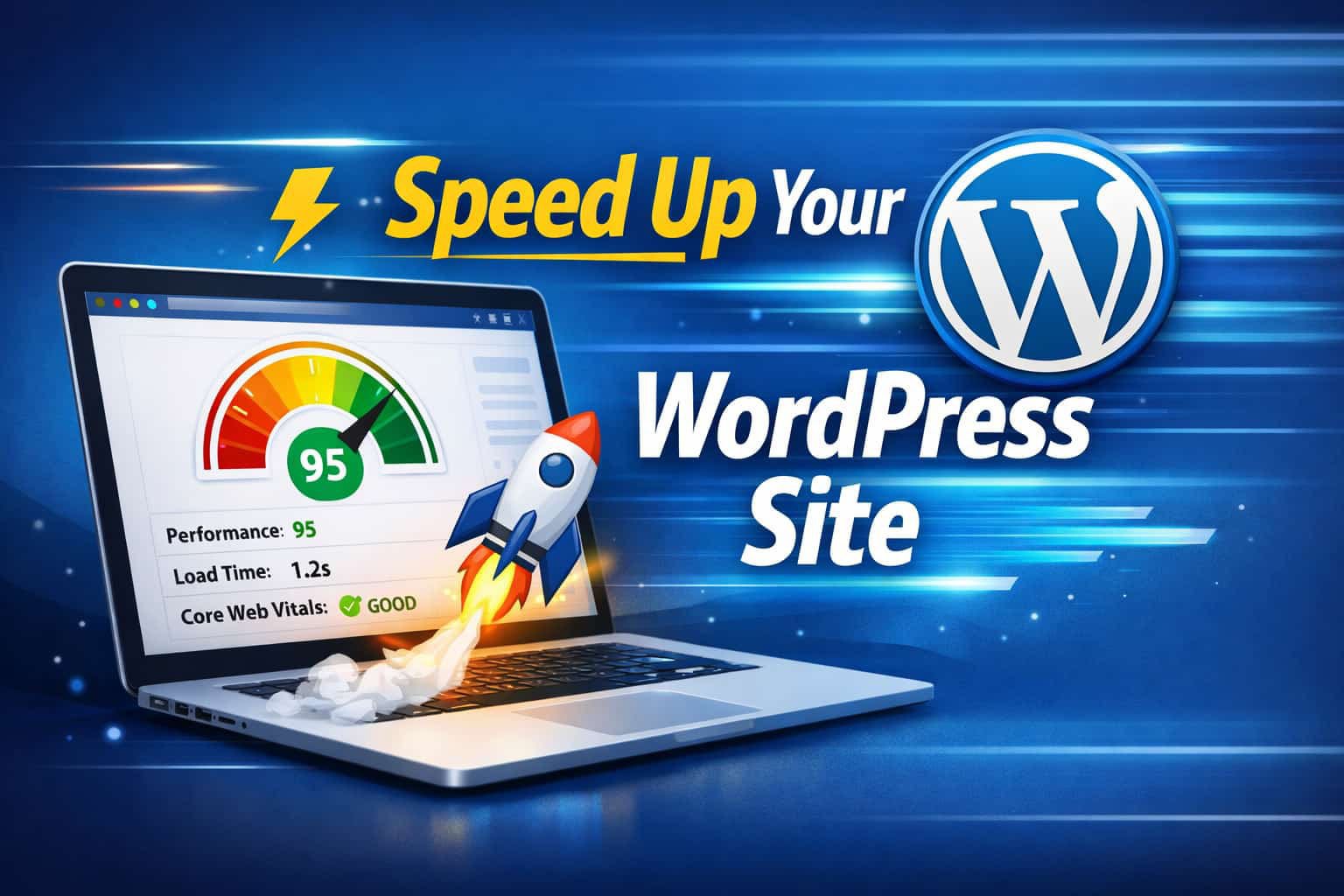
Website speed is no longer optional. In fact, the WordPress speed optimization tools you choose can make or break your site’s performance. We have seen this firsthand-slow websites lose visitors fast, no matter how good they look.
At our agency, speed is always a priority. Over time, we have tested dozens of tools, and honestly, not all of them deliver real results. However, a few stand out consistently.
In this guide, we are sharing the exact WordPress speed optimization tools we use in real projects to improve loading time, Core Web Vitals, and overall user experience.
Why Website Speed Still Matters (More Than Ever)
Let’s be real-no one likes a slow website.
First of all, Google considers speed a ranking factor. So, if your site is slow, you are already behind your competitors. On top of that, users expect pages to load almost instantly. We have worked with clients whose bounce rates dropped significantly just by improving speed. In other words, faster websites keep people engaged.
1. Caching Plugins (Our First Go-To Fix)
If there is one quick win in speed optimization, it is caching.
What we use:
- WP Rocket
- LiteSpeed Cache
From our experience, enabling caching alone can dramatically reduce load time. In fact, on some sites, we have seen improvements within minutes after setup.
2. Image Optimization Tools (Huge Impact)
Images are often the biggest reason behind slow pages.
Our preferred tools:
- ShortPixel
- Smush
We usually compress images before and after uploading. As a result, pages become lighter without losing quality. This simple step makes a noticeable difference.
3. CDN Services (Speed + Security Combo)
A CDN helps deliver your website faster by serving content from nearby servers.
Tools we trust:
- Cloudflare
- BunnyCDN
In most cases, adding a CDN improves global load times instantly. Plus, it adds an extra layer of security, which is always a bonus.
4. Database Optimization (Often Ignored)
Many website owners forget this part.
Over time, WordPress databases get bloated with unnecessary data. Because of this, your site becomes slower.
Tools we use:
- WP-Optimize
- Advanced Database Cleaner
We usually clean databases during maintenance. It keeps everything running smoothly.
5. File Optimization & Minification
This step removes unnecessary code from your website files.
Tools we rely on:
- Autoptimize
- Asset CleanUp
Although it sounds technical, these tools make it easy. As a result, file sizes shrink and load times improve.
6. Performance Testing Tools (We Check Everything)
We never guess-we test.
Our go-to tools:
- Google PageSpeed Insights
- GTmetrix
Before and after optimization, we always run tests using tools like Google PageSpeed Insights to identify exactly what is slowing the site down. This helps us see what is working and what needs improvement.
7. Lazy Loading (Simple but Powerful)
Lazy loading delays images and videos until users scroll down.
We enable this on almost every website. As expected, it improves initial load speed significantly.
8. Hosting Matters More Than You Think
No tool can fix bad hosting.
We have seen websites struggle simply because of slow servers. Once migrated, performance improved instantly.
What we recommend:
- Managed WordPress hosting
- LiteSpeed-powered servers
9. Script Control Tools (Advanced Optimization)
Sometimes, plugins load scripts where they are not needed.
Tools we use:
- Perfmatters
- Asset CleanUp
These tools allow us to disable unnecessary scripts. As a result, the website becomes much faster and cleaner.
10. SEO Plugin That Supports Performance
While SEO plugins do not directly speed up your site, they still play a role.
Our choice:
- All in One SEO
It helps structure content properly, which indirectly supports performance and rankings.
Best Practices We Always Follow
Tools alone are not enough. We also stick to some simple rules:
- Use lightweight themes
- Avoid installing too many plugins
- Optimize images before uploading
- Keep everything updated
- Combine tools wisely (not all at once)
Final Thoughts
Speed optimization is not a one-time fix. Instead, it is an ongoing process.
That said, using the right WordPress speed optimization tools makes everything much easier. From our experience, even small improvements can lead to better rankings, lower bounce rates, and higher conversions.
If you are working on improving your website, start with these tools. And if you need help, feel free to explore our services.
Also, check out our latest blog here: 5 Homepage Sections Every Business Website Must Have