
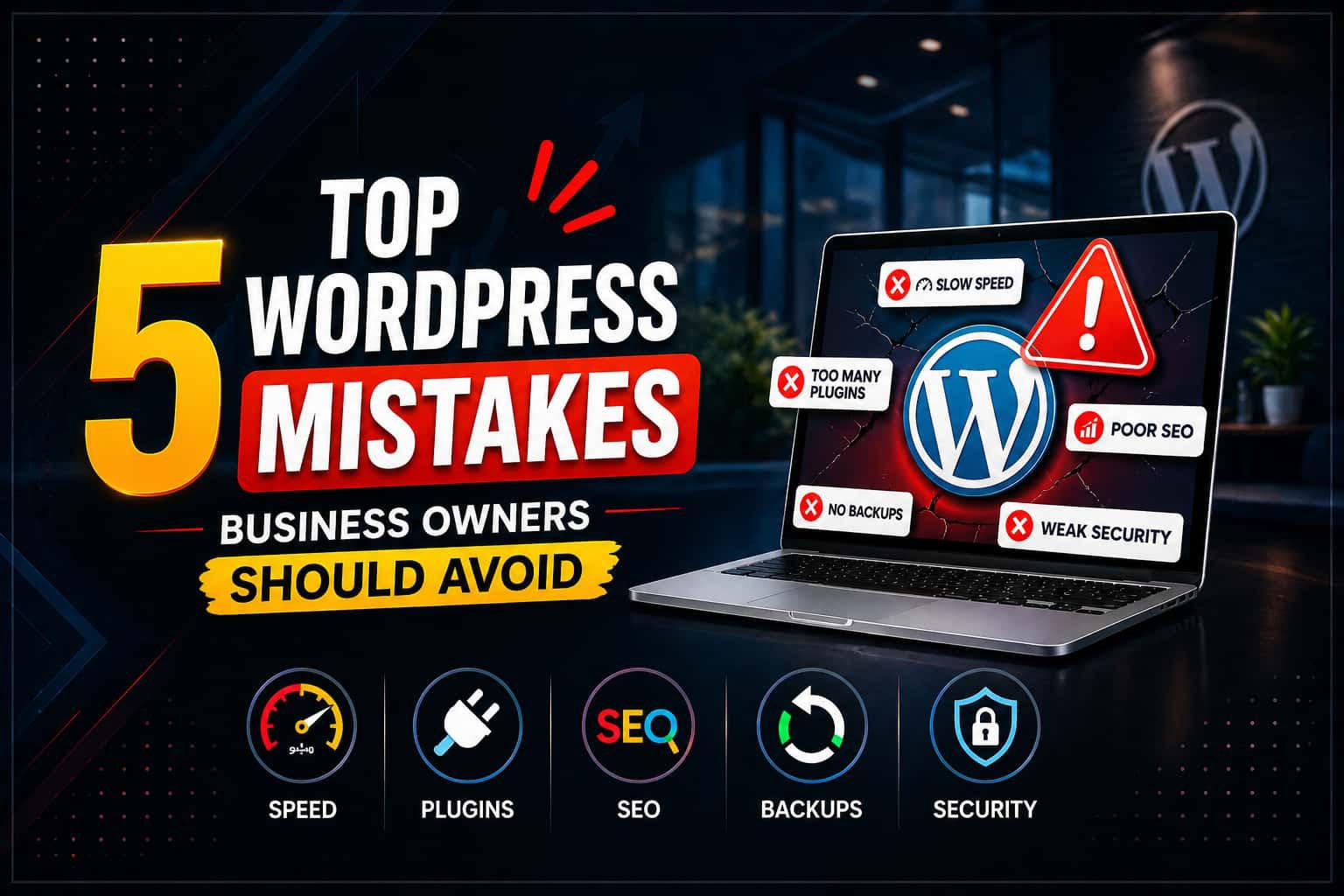
Many business owners make WordPress mistakes that quietly hurt their website. These mistakes affect speed, SEO, and security. As a result, your site may lose traffic and potential customers.
However, the good news is simple. You can fix these issues easily once you know what to look for. In this guide, we will explain the most common WordPress mistakes and how to avoid them step by step.
1. WordPress Mistakes in Speed Optimization
First of all, ignoring speed is one of the biggest WordPress mistakes.
A slow website creates a poor user experience. Moreover, it also affects rankings on search engines like Google.
Why this is a problem:
- Visitors leave quickly
- Conversion rates drop
- SEO performance decreases
How to fix it:
- Use a fast and lightweight theme
- Compress all images
- Use caching plugins
- Choose better hosting
Learn more here: WordPress speed optimization tools
2. WordPress Mistakes with Too Many Plugins
Another common WordPress mistake is installing too many plugins.
Although plugins add features, they can slow your site. In addition, they may cause conflicts and security risks.
Why this is a problem:
- Slower performance
- More technical errors
- Increased security risks
How to fix it:
- Keep only necessary plugins
- Remove inactive plugins
- Use trusted plugins only
Follow plugin guidelines from WordPress.org
3. WordPress Mistakes in Updates and Maintenance
Many business owners ignore updates. This is another serious WordPress mistake.
However, updates are essential. They fix bugs and improve security.
Why this is a problem:
- Security vulnerabilities increase
- Website errors appear
- Compatibility issues happen
How to fix it:
- Enable auto updates
- Check updates weekly
- Always backup your website
4. WordPress Mistakes in SEO Setup
Poor SEO setup is one of the most damaging WordPress mistakes.
Even if your website looks good, it will not rank without proper optimization.
Why this is a problem:
- Low search visibility
- Less organic traffic
- Fewer leads and sales
How to fix it:
- Use All in One SEO
- Add proper meta titles and descriptions
- Use keywords naturally
- Add internal and external links
Read more: SEO-friendly website structure.
5. WordPress Mistakes in Website Security
Finally, weak security is a critical WordPress mistake.
If your site gets hacked, your business can suffer serious damage. Therefore, security should always be a priority.
Why this is a problem:
- Data loss can occur
- Website downtime happens
- Customer trust is damaged
How to fix it:
- Use strong passwords
- Install security plugins
- Enable SSL certificates
- Limit login attempts
Security tips from Sucuri
Conclusion
In summary, avoiding these WordPress mistakes can improve your website performance quickly.
To recap:
- Improve website speed
- Use fewer plugins
- Keep everything updated
- Set up SEO correctly
- Strengthen security
As a result, your website will perform better. Moreover, you will gain more traffic and trust.