
How We Improved a Client’s Website Speed from 6s to 1.2s: A Technical Case Study
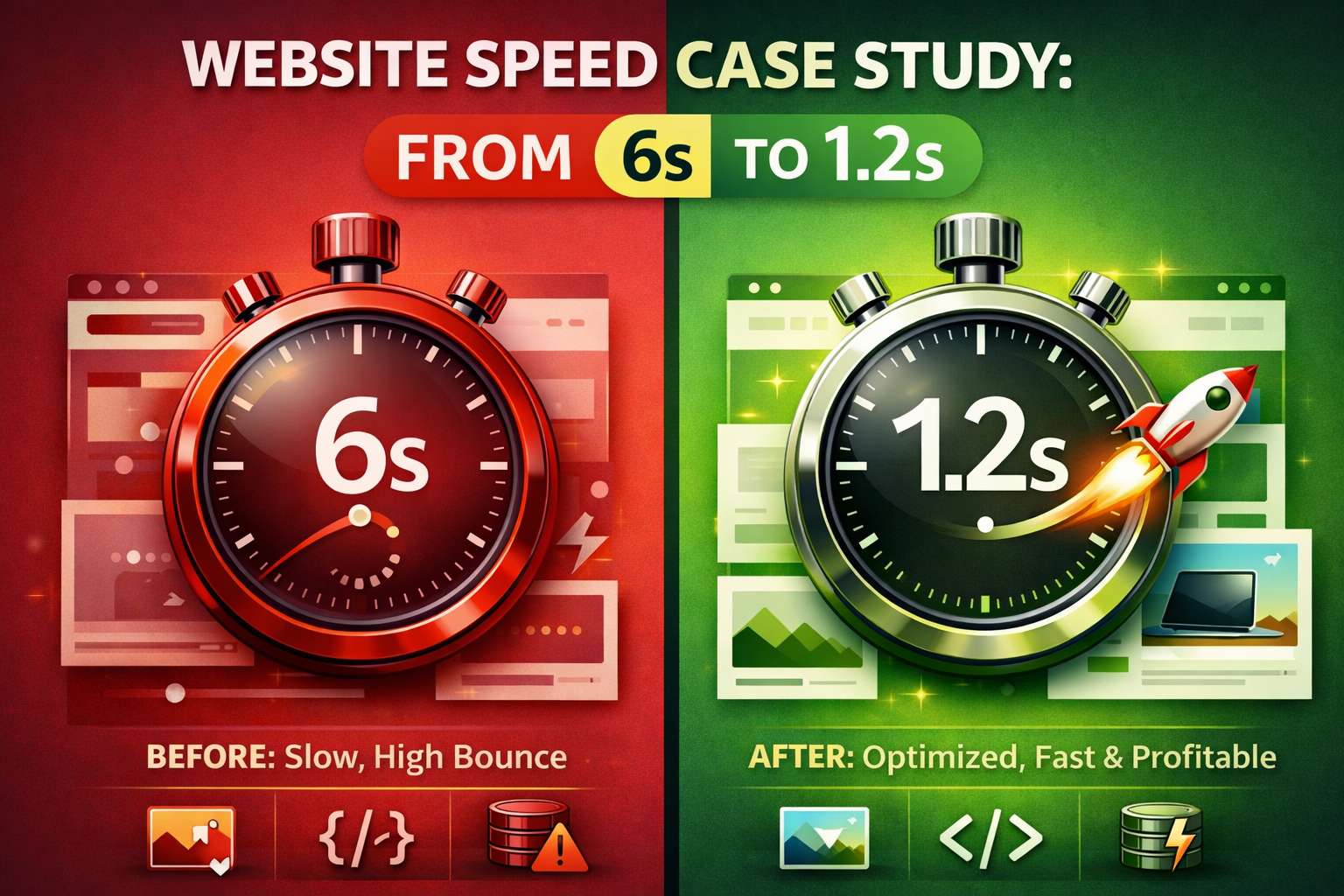
If you want to improve website speed in 2026, you must understand that every millisecond counts toward your bottom line. Consequently, a one-second delay in page load time can lead to a 7% reduction in conversions. Recently, we took on a project where a client’s WordPress site was lagging at a frustrating 6-second load time.
For the user, those six seconds felt like an eternity. For the business, it meant high bounce rates and disappearing revenue. Therefore, we executed a professional strategy to hit a lightning-fast 1.2-second finish line.
The Speed Audit: Identifying the Killers
Before making any changes, we ran a comprehensive audit using Google PageSpeed Insights and GTmetrix. Furthermore, we discovered that the site was bloated with “technical debt.” The primary culprits were:
-
Unoptimized Images: High-resolution JPEGs were bloating the page’s size.
-
Render-Blocking Resources: Excessive CSS and JS files were stopping the page from displaying content immediately.
-
Slow Server Response: The hosting environment wasn’t configured for high-traffic efficiency.
Step 1: Implementing Next-Gen Image Compression
Images are usually the heaviest part of any page. To improve website speed, we moved away from traditional, bulky formats. Specifically, we took the following actions:
-
Converted to WebP: We converted all images to WebP format, which is roughly 30% smaller than JPEG without losing quality.
-
Enabled Lazy Loading: This ensures images only load as the user scrolls, which subsequently reduces the “Initial Page Weight.”
Step 2: Cleaning “Code Clutter” via Minification
Your site’s code often contains “white space” and comments that browsers don’t need to read. As a result, this creates unnecessary drag.
-
Minified CSS and JavaScript: We stripped away the bulk from the backend code.
-
Deferred non-essential JS: This allows the text and layout to load first, while the “heavy” scripts load quietly in the background.
Step 3: Upgrading the Hosting & Caching Layer
Cheap hosting is almost always a bottleneck. In addition to code fixes, we moved the client to a LiteSpeed server and implemented a robust caching layer.
-
Page Caching: Creates a static HTML version of your site for instant delivery.
-
Object Caching: Speeds up database-heavy tasks like searches and logins.
Step 4: Cleaning the Database
Over time, WordPress databases get clogged with post revisions and expired data. We performed a deep clean, removing over 5,000 redundant rows of data, which allowed the site to “think” faster.
The Result: Proven Speed and Better Rankings
After 48 hours of optimization, the results were immediate and undeniable. In fact, by focusing on technical SEO, we transformed the site’s performance metrics:
-
Load Time: Reduced from 6.4 seconds to a lightning-fast 1.2 seconds.
-
Page Size: Optimized from 4.8 MB down to a lean 1.1 MB.
-
Performance Score: Jumped from a “Red Zone” 22/100 to a 98/100 Mobile Score.
Moreover, within three weeks of the update, the client saw a 15% increase in organic traffic. When you improve website speed, you aren’t just making a site “fast”-you are making it profitable.
Final Thoughts: Is Your Site Fast Enough?
Improving your website speed is the highest-ROI technical task you can perform this year. If your site takes longer than 3 seconds to load, you are leaving money on the table. Because of this, we recommend a professional speed audit immediately.
If you are ready to fix your performance issues, check out our Web Optimization Services or contact us today.