

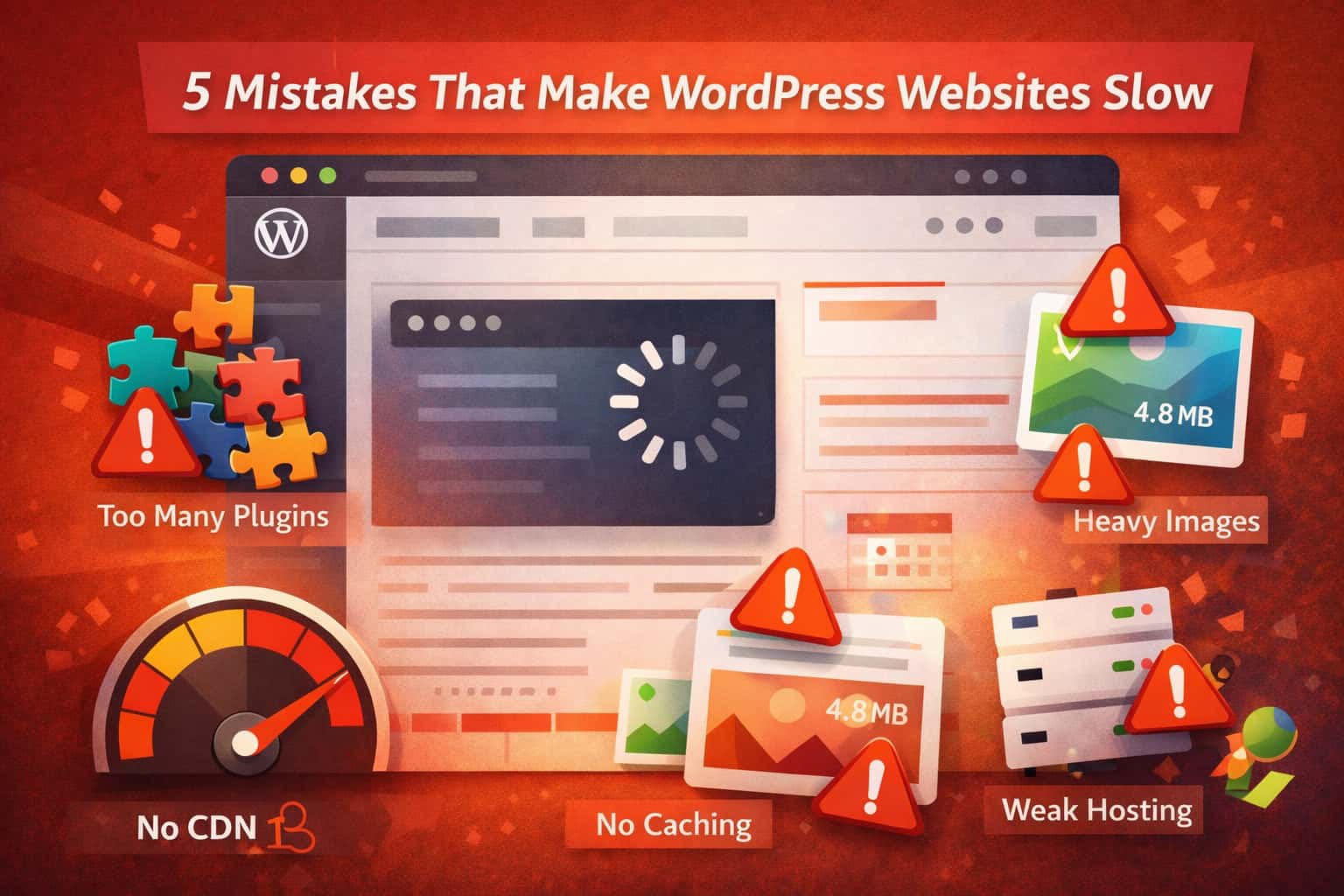
Many site owners make simple WordPress website speed mistakes without realizing it. As a result, their websites become slow, rankings drop, and users leave quickly. In fact, these WordPress website speed mistakes can directly impact your business growth. Therefore, fixing them early is extremely important.
If you are building or improving your site, you should also check our guide on homepage structure here: 5 Homepage Sections Every Business Website Must Have
Now, let’s look at the most common mistakes and how to fix them.
1. Using Too Many Plugins
First of all, plugins add useful features. However, using too many plugins is one of the most common WordPress website speed mistakes.
Why this happens:
- Each plugin loads extra code
- Some plugins run in the background
- Poor plugins increase load time
How to fix it:
- Remove unused plugins
- Replace multiple plugins with one tool
- Choose lightweight plugins
👉 As a result, your website will load faster.
2. Not Using a Caching Solution
Secondly, not using caching is another major issue. Without caching, your site loads everything again and again.
Why this matters:
Caching saves a static version of your site. Therefore, it reduces load time significantly.
How to fix it:
- Install a caching plugin
- Enable browser caching
- Use server-level caching if possible
👉 Consequently, your pages will load much quicker.
3. Unoptimized Images
Next, large images can slow down your website. In many cases, users upload images without optimization.
Common problems:
- Large file sizes
- Wrong formats
- No lazy loading
How to fix it:
- Compress images before upload
- Use WebP format
- Enable lazy loading
👉 In addition, optimized images improve SEO and speed.
For best practices, you can also check Google PageSpeed Insights.
4. Choosing Poor Hosting
On the other hand, cheap hosting often causes slow speed. Although it may save money at first, it creates bigger problems later.
The issue:
- Shared resources
- Slow servers
- Limited support
How to fix it:
- Upgrade your hosting plan
- Use managed WordPress hosting
- Choose a nearby server
👉 As a result, your website becomes faster and more reliable.
You can test your hosting performance using GTmetrix.
5. Not Using a CDN
Finally, not using a CDN is another critical mistake. Because of this, users far from your server will face delays.
Why this matters:
A CDN delivers content from nearby servers. Therefore, it reduces loading time worldwide.
How to fix it:
- Use a CDN service
- Enable global caching
- Deliver static files via CDN
👉 Ultimately, your site will load faster for all users.
Learn more about CDNs from Cloudflare.
Final Thoughts
In conclusion, avoiding these WordPress website speed mistakes is essential for better performance. Moreover, even small improvements can make a big difference.
To summarize:
- Limit plugins
- Use caching
- Optimize images
- Choose good hosting
- Use a CDN
Therefore, by fixing these WordPress website speed mistakes, you improve speed, SEO rankings, and user experience.
🚀 Need Help?
If your site is still slow, expert help can save time and effort. In the long run, a fast website always performs better.